 CYNDRA
You're reviewing pipeline numbers before a sales meeting, checking ad performance in another tab, and asking finance whether closed revenue matches the CRM. The dashboard says leads are up, but it doesn't show whether those leads became qualified opportunities or brought in revenue. That's the gap between a screen full of charts and reporting a team can act on.
These CRM dashboard examples focus on decisions, not decoration. They cover automated reporting, sales leadership, individual reps, marketing attribution, customer support, and revenue visibility, with the KPIs to track, the data sources to connect, and practical ways to reproduce each workflow. If pipeline accuracy is your immediate concern, start with this RealEstateCRM guide to pipeline reporting.
A useful CRM dashboard is an operational reporting system, not just a visualization. It should bring activity, funnel movement, and business outcomes into one view, while keeping the focus on a small set of indicators that help someone decide what to do next.
Table of Contents
- 1. Use Cases - Automated Reporting Dashboards
- 2. HubSpot - Sales Dashboard Examples and Templates
- 3. Salesforce - Dashboard Examples and Sample Dashboards
- 4. Zoho Analytics - CRM-Connected Sales Dashboard Examples
- 5. Pipedrive - Sales CRM Dashboard and Reporting
- 6. monday CRM - Customizable Dashboard Templates
- 7. Attio - CRM Reporting and Dashboard Examples
- CRM Dashboard Examples: 7-Point Comparison Guide
- Pick One Dashboard to Rebuild This Week
1. Use Cases - Automated Reporting Dashboards
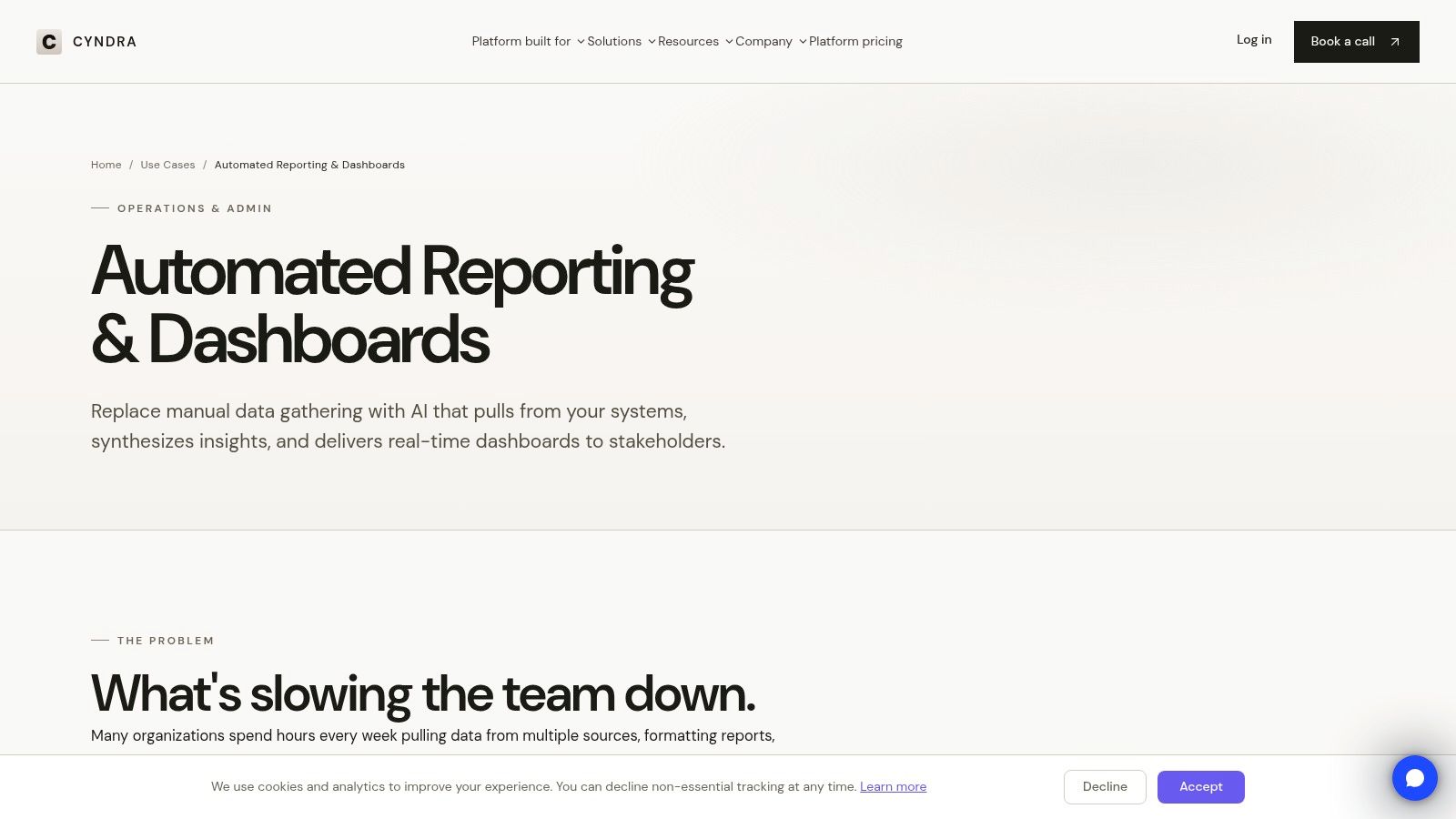
If Shopify reports one revenue figure, the CRM shows a different deal total, and the ad platforms use yet another attribution window, the problem isn't a shortage of charts. It's fragmented reporting. Cyndra's automated reporting dashboards are designed to bring commerce, advertising, CRM, and finance data into a more accessible KPI workflow, reducing the need to assemble recurring reports by hand.
Build around the decision, not the data dump
A practical starting point is a management view with three layers: activity such as calls and meetings, funnel health such as qualified leads and pipeline value, and outcomes such as revenue, margin, and forecast attainment. The exact measures depend on the business. A Shopify operator may need campaign spend and order revenue alongside CRM-sourced opportunities, while a services team may prioritize lead stage, proposal value, and invoiced revenue.
Cyndra's approach is workflow-specific rather than a generic report-assembly process. Its team handles implementation and integration, with AI support for operators who need ongoing help. That can be useful when the reporting question spans systems, but the available product information doesn't specify every dashboard feature, integration, or customization option. Results also depend on whether source data is accessible, compatible, and maintained consistently.
Practical rule: Give every KPI a named source, a definition, an owner, and a refresh expectation. If the team can't explain why a number changed, the dashboard won't earn trust.
Start with the decision your team needs to make, map the underlying fields, then test the view against actual workflows before making it the default report. For a closer look at reducing manual report assembly, see Cyndra's guide to dashboard automation.
Pros
- Cross-system context: Bring commerce, advertising, CRM, and finance data into one reporting workflow.
- Less manual assembly: Replace recurring spreadsheet work with automated KPI views.
- Workflow fit: Shape reporting around the questions operators need answered.
Trade-offs
- Implementation matters: Source quality and compatibility affect whether the dashboard is useful.
- Confirm the specifics: Ask which integrations, refresh behavior, and customization options fit your setup.
2. HubSpot - Sales Dashboard Examples and Templates
HubSpot's sales dashboard examples are useful when a team knows it needs better visibility but hasn't settled on which view to build. The HubSpot sales dashboard guide presents examples for conversion, performance, KPIs, and sales overviews, alongside guidance on what different dashboard types are meant to answer.
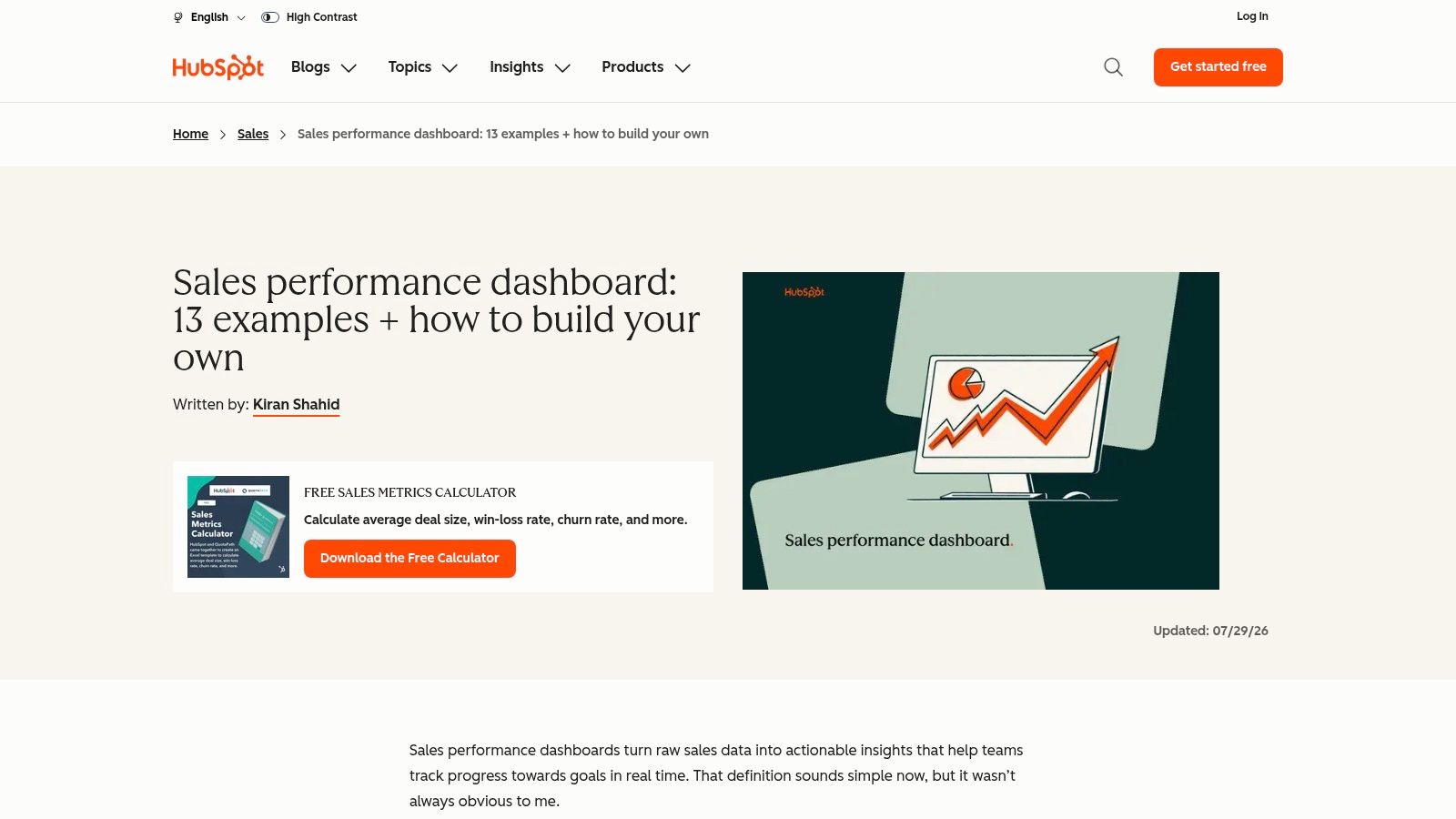
The practical value is that the examples connect common sales questions to metrics: pipeline health, revenue, conversion, sales activity, and team performance. HubSpot also provides an Excel and Google Sheets template, so teams can sketch their metric definitions before committing to a CRM build. That's helpful when the reporting logic is still changing or a manager needs to agree on what “qualified” means.
Map each metric to its source
For a simple sales view, use CRM records for leads, opportunities, owners, and stages. Add finance data for recognized revenue if the CRM's closed-won amount doesn't represent what finance reports. Include marketing campaign data only when the team can preserve a consistent source or campaign identifier through lead creation and opportunity updates.
HubSpot can consolidate sales and customer information within its platform, but the guide is primarily sales-oriented. Broader lifecycle reporting may require additional data connections, and advanced CRM or reporting capabilities depend on the plan. Use the spreadsheet template to validate the questions and definitions first, then decide whether HubSpot's native reporting can support the workflow.
For a useful explanation of how KPI dashboards translate measures into action, visit Cyndra's article on what a KPI dashboard is.
Best fit: Teams that want sales dashboard ideas and a low-friction way to test metric definitions.
Watch for: Activity counts without outcome measures. Calls and emails show effort, but they don't establish whether the team is moving qualified opportunities toward revenue.
3. Salesforce - Dashboard Examples and Sample Dashboards
Sales leaders often need different views of the same pipeline. An executive wants forecast and overall performance; a manager needs stage movement and coaching signals; a rep needs an actionable list of deals and next steps. The Salesforce dashboard examples are organized around use cases such as forecasting, team overviews, and rep performance.
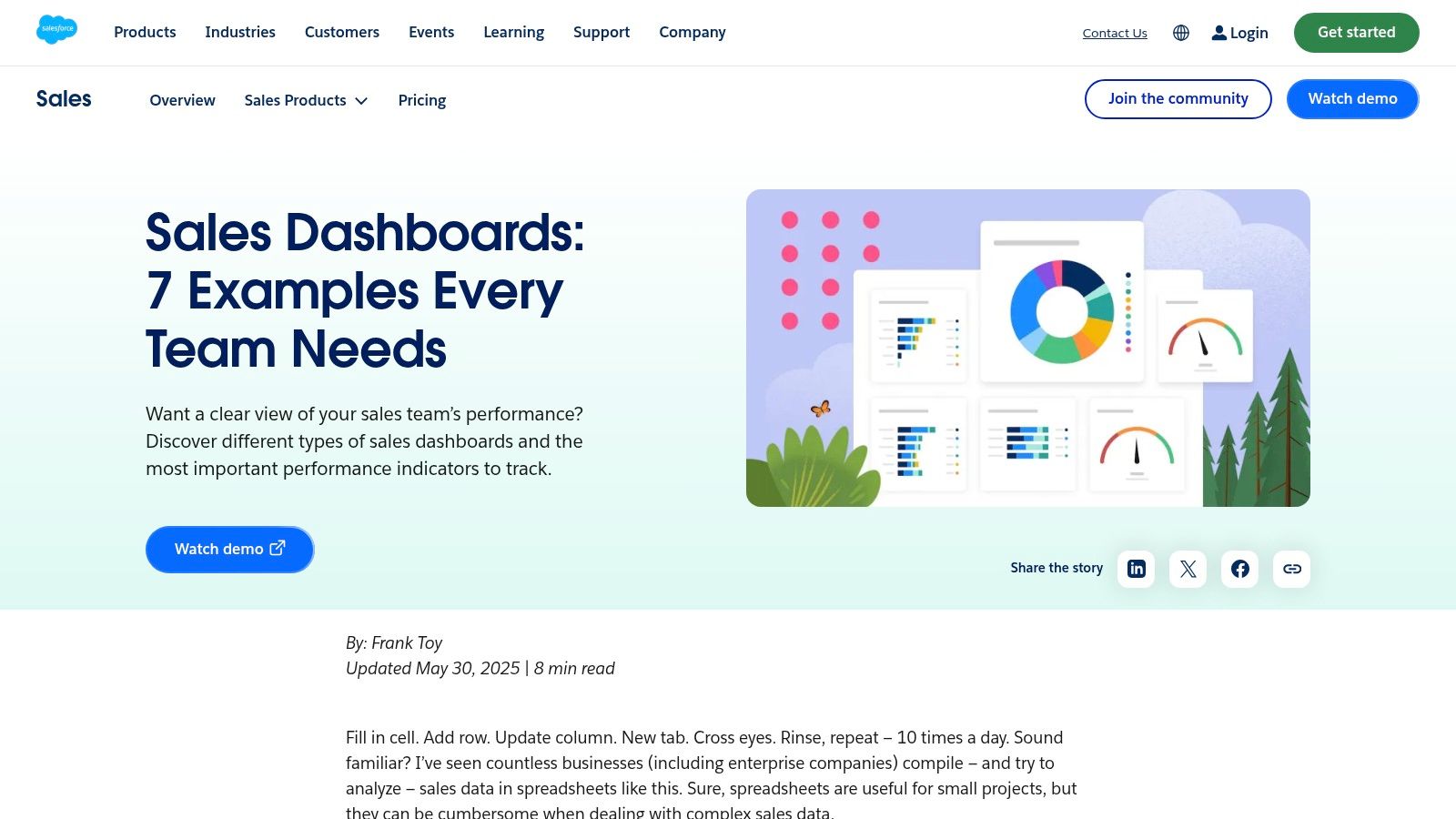
The guide points to KPIs such as revenue, pipeline, quota attainment, win rate, and forecast accuracy. It also offers downloadable sample dashboard references and a Salesforce Labs package of preconfigured Sales Cloud dashboards, giving Salesforce users a place to start rather than a blank canvas.
Separate management views from rep workspaces
A manager's dashboard should make it easy to spot deals with no recent activity, stage delays, and changes in expected revenue. A rep's view should prioritize owned opportunities, scheduled activities, and records that need follow-up. Executives generally need less row-level detail and more visibility into pipeline composition, forecast, and outcome trends.
Connect Salesforce opportunity and activity records to the views each role needs. If you're comparing the dashboard forecast with finance, document whether the number represents booked, recognized, or expected revenue. That definition prevents teams from treating two legitimate but different measures as contradictory.
The trade-off is scope. Salesforce offers a mature reporting environment, but the broader platform may be more than a small team needs, and some advanced analytics capabilities depend on edition or add-ons. Start with the sample dashboards, remove components that don't prompt a decision, and add custom metrics only when owners and definitions are clear.
A dashboard can serve executives and reps at once, but it shouldn't force them to use the same view.
4. Zoho Analytics - CRM-Connected Sales Dashboard Examples
When sales data lives in one CRM and campaign or finance data lives elsewhere, a CRM-native dashboard may not answer the full question. Zoho Analytics' sales dashboard gallery is designed for broader reporting, with examples covering leads, deals, activities, pipeline, salesperson performance, opportunities, and products.
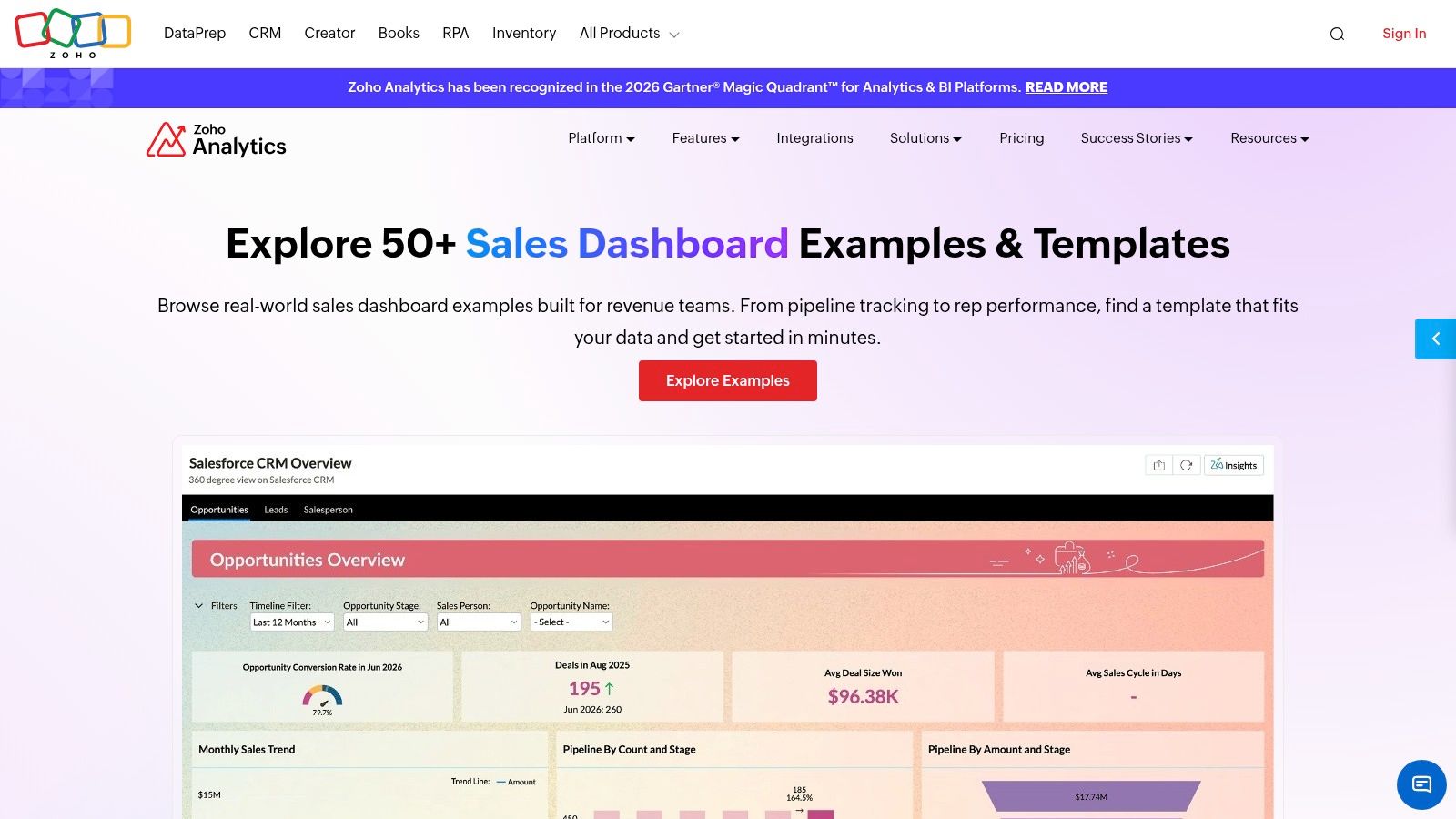
The examples help clarify what a given dashboard is meant to show, and ready-made views can populate from connected CRM data. Zoho Analytics supports drag-and-drop dashboard building, filters, and sharing. Its connections include Zoho CRM and other major CRM platforms, which makes it a candidate for teams that don't run their sales process entirely inside Zoho.
Replicate a cross-functional view
For a sales manager, start with stage distribution, opportunity value, aging, and rep activity. Add marketing data only if lead-source fields are consistently populated, and bring in finance data when the business needs to compare CRM pipeline or closed deals with financial outcomes. Keep the operational measures visible beside the result measures, so a manager can investigate where activity is or isn't translating into progress.
The advantage is flexibility across data sources. The cost is setup: a separate analytics product requires teams to configure connections and data syncs, then maintain shared definitions across those sources. That can be worthwhile when leadership needs a consistent view across departments, but it's unnecessary overhead if the only goal is dashboard inspiration.
Before publishing, check how the dashboard handles missing records, duplicate contacts, and changes to CRM fields. A polished chart won't fix an unreliable data model.
5. Pipedrive - Sales CRM Dashboard and Reporting
A pipeline-first dashboard is often the most useful daily workspace for a sales team. Pipedrive's sales dashboard and reporting tools focus on deals, activities, team performance, goals, and sales results, with custom dashboards assembled from reports in Insights.
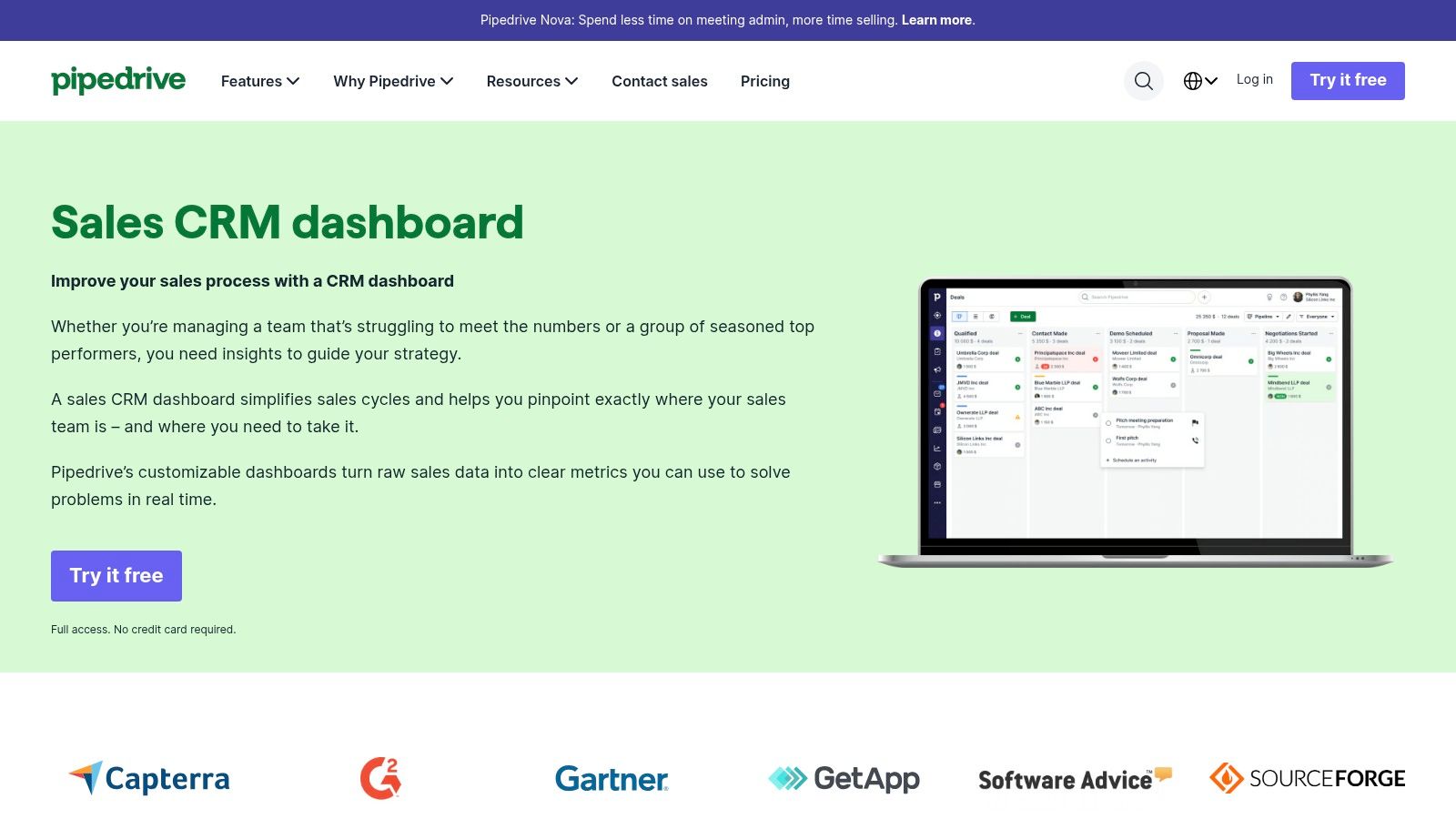
Use the dashboard to answer operational questions: Which deals are in each stage? Which opportunities need follow-up? Where should a manager coach or rebalance attention? Pipedrive's emphasis on deal stages makes the dashboard easy to connect to day-to-day sales activity, and its reporting examples relate metrics to actions such as follow-up and coaching.
For replication, keep a stage-level view beside an activity view and a results view. Pull stage and deal values from the CRM, activities from the sales workflow, and goals from the team's agreed target source. If finance uses a different revenue definition, label that measure rather than substituting it for CRM deal value.
The trade-off is breadth. The examples mainly serve sales teams, so marketing attribution, customer support, and operational reporting may need separate views or another analytics layer. Some reporting capabilities also depend on plan.
If managers can see pipeline value but not which deals are stalled or who owns the next step, the dashboard is descriptive rather than actionable. Cyndra's explanation of pipeline visibility offers more context on making pipeline status useful to operators.
6. monday CRM - Customizable Dashboard Templates
Some teams don't work from a fixed sales process. They manage contacts, pipeline stages, service requests, and internal work in connected boards, and they want a dashboard that reflects those relationships. monday CRM's template gallery includes setups for contacts, sales pipelines, and customer support workflows.
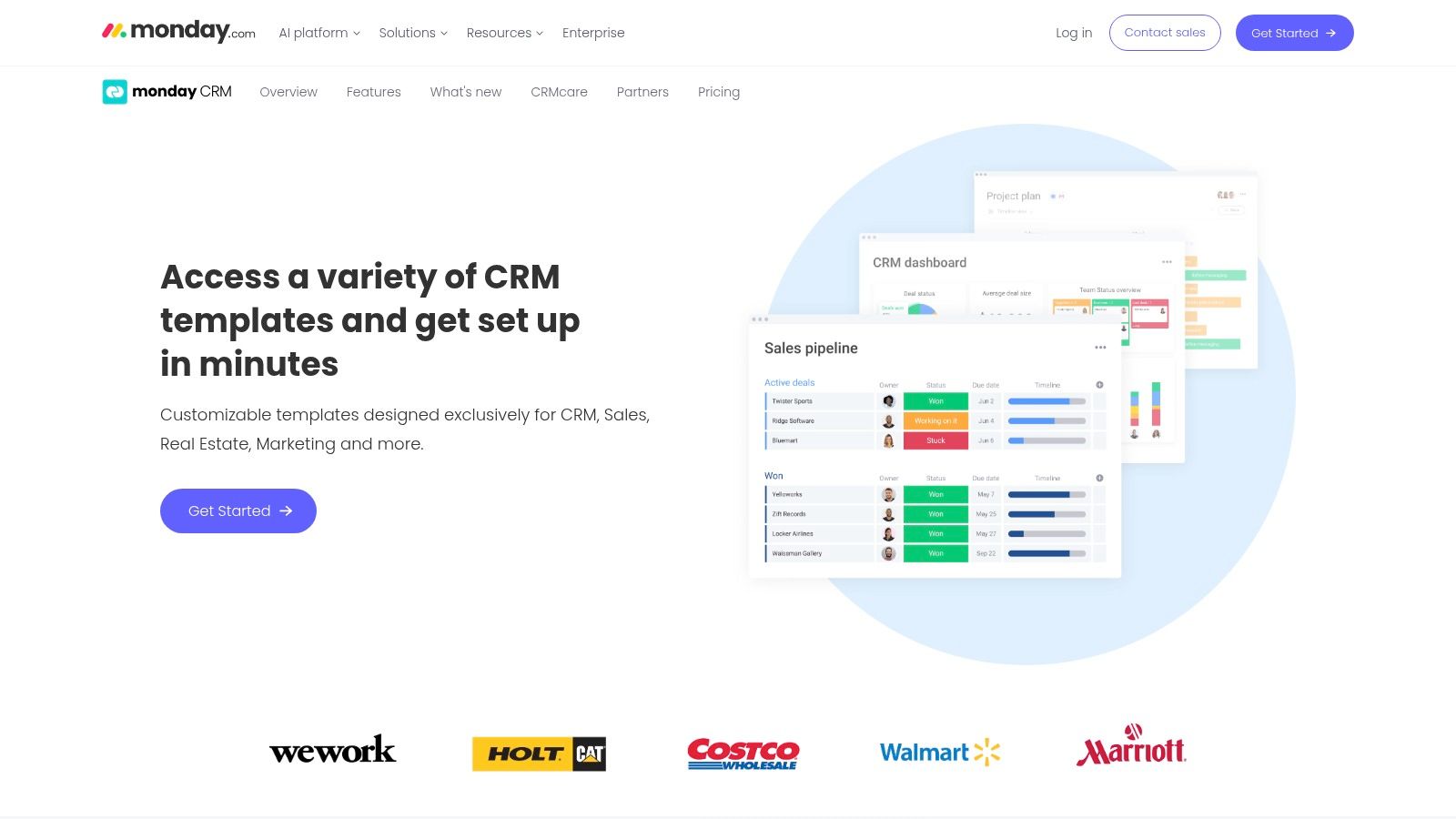
Dashboards use widgets to visualize information from connected boards, which can bring related CRM and work data into a shared workspace. Templates can be adapted for sales, marketing, real estate, and other processes. That flexibility helps teams that want to shape the CRM around their own workflow instead of fitting every process into a standard sales-only view.
Make the board structure do the work
Before adding widgets, define consistent columns for owner, stage, source, next action, and outcome. A pipeline widget is only useful if stage values mean the same thing across records. For support workflows, include case ownership and status alongside response or resolution measures, and ensure the underlying board contains the fields needed to calculate them.
The main trade-off is dependence on board design. If teams use different labels, leave key fields blank, or maintain overlapping boards without clear ownership, the dashboard will reproduce that inconsistency. Dashboard capacity and features vary by plan, and some plans have seat minimums, so check whether the intended workspace fits your team before building around it.
monday CRM works best when visual customization supports an agreed process. It won't replace the work of defining how sales, support, and operations record their data.
7. Attio - CRM Reporting and Dashboard Examples
Attio's reporting approach is a fit for teams that want to analyze CRM records without forcing every workflow into a conventional template. Its CRM reporting documentation describes reports built from records, lists, and activities, with views for current totals, historical trends, pipeline funnels, time in stage, and stage changes.
Reports can be filtered and grouped by attributes such as owner, region, or stage, then arranged into dashboards and shared with workspace members. That makes the tool useful when operators need to compare pipeline movement by segment or inspect how long opportunities remain in a stage, not just see a current pipeline total.
Choose report types by business question
Use totals to understand what's currently in the system, trends to review change over time, and funnels to inspect movement through stages. Time-in-stage reporting can help a manager identify deals that may need attention, while stage-change reporting can show how pipeline records are progressing. Connect those views to CRM record and activity data, then add commerce or finance sources only if the reporting question requires them.
Attio's flexible data model can support nonstandard CRM setups, and the free plan gives individuals and small teams a way to explore the product. Some report types are restricted to higher plans; historical pipeline data migrated from another CRM has limits, and some activity reporting isn't supported. Test the exact report types and history your team depends on before treating the dashboard as a complete record of past performance.
CRM Dashboard Examples: 7-Point Comparison Guide
| Example | Primary Focus | 🔄 Complexity & Resources | ⭐ Key Advantages | 📊 Expected Outcomes | 💡 Ideal Use Case |
|---|---|---|---|---|---|
| Cyndra Automated Reporting Dashboards | Real-time KPIs across commerce, ads, CRM, and finance | Medium–high; implementation and data integrations are handled with Cyndra | Workflow-specific dashboards and ongoing AI support | Less manual reporting and faster access to business data | Teams seeking integrated, production-ready reporting |
| HubSpot Sales Dashboard Examples | Sales metrics, templates, and CRM reporting | Low to start with free guide and spreadsheet templates; advanced features may require a paid plan | 13 examples plus guidance on metric selection | Clearer sales tracking and a practical starting point for reporting | Teams exploring sales dashboards or starting with spreadsheets |
| Salesforce Dashboard Examples | Role-based sales views, forecasting, and performance | Low for reviewing samples; higher for Salesforce setup and advanced features | Downloadable samples and preconfigured dashboards | More structured reporting for executives, managers, and reps | Salesforce users seeking role-specific dashboard references |
| Zoho Analytics Sales Dashboards | CRM-connected sales reporting across multiple data sources | Medium; requires configuring connections and data syncs | Broad CRM compatibility, filters, sharing, and drag-and-drop building | Combined views of pipeline, leads, activity, and other business data | Teams combining CRM metrics with finance, advertising, or other sources |
| Pipedrive Sales CRM Dashboard | Pipeline, deal activity, goals, and team performance | Low–medium; custom reporting depends partly on plan | Pipeline-focused metrics linked to follow-up and coaching | Better visibility into sales activity and pipeline health | Sales teams wanting operational, action-oriented CRM reporting |
| monday CRM Dashboard Templates | Customizable CRM and work-management views | Low–medium; depends on board setup and plan limits | Adaptable templates and cross-board widgets | Consolidated views of related CRM and work data | Teams wanting visual, flexible workflows across sales, support, or marketing |
| Attio CRM Reporting | CRM totals, trends, funnels, and stage changes | Medium; some report types require higher plans | Flexible data model, filtering, and varied report types | Detailed analysis of pipeline movement and CRM records | Teams with nonstandard CRM needs or data-rich reporting requirements |
Pick One Dashboard to Rebuild This Week
Don't start by trying to combine every CRM dashboard example into one executive screen. Pick the bottleneck that's affecting a decision now: pipeline visibility, lead quality, support SLAs, or revenue reconciliation. A sales manager dealing with stalled opportunities needs a different first view from a marketer trying to connect campaign spend to closed revenue.
Choose three to five core KPIs for that workflow. For pipeline, that might mean stage value, stage movement, aging, next activity, and forecast. For lead reporting, connect source and qualification status to opportunity progression. For support, pair case ownership and status with the service measures your team uses. For revenue, make clear whether the figure comes from the CRM, Shopify, advertising attribution, or finance.
Then map every KPI to its source and definition. CRM records may own opportunity stage and rep activity; Shopify may own orders; ad platforms may own spend; and finance may own recognized revenue. If two systems use different definitions, show both with clear labels instead of forcing a false match. Set a refresh expectation, name an owner for each important measure, and decide what action follows when a KPI changes.
Keep the first dashboard focused. A good operational view surfaces the signal, gives the user a way to inspect the underlying records, and points to the next action. If people still need to export multiple reports and manually reconcile the result, the dashboard hasn't solved the reporting problem.
Finally, ask the people who'll use it to test the numbers against real records. Fix unclear definitions, missing data, and inconsistent ownership before adding more charts. Rebuilding one decision-focused view with live Shopify, advertising, finance, and CRM data can give your team a more reliable basis for action than expanding a dashboard no one trusts.
Cyndra builds real-time KPI dashboards from connected CRMs, Shopify, advertising platforms, and finance tools, and can tailor reporting to the way your team works. If you're ready to replace manual reporting with a dashboard built around your operational decisions, visit Cyndra to discuss your workflow.